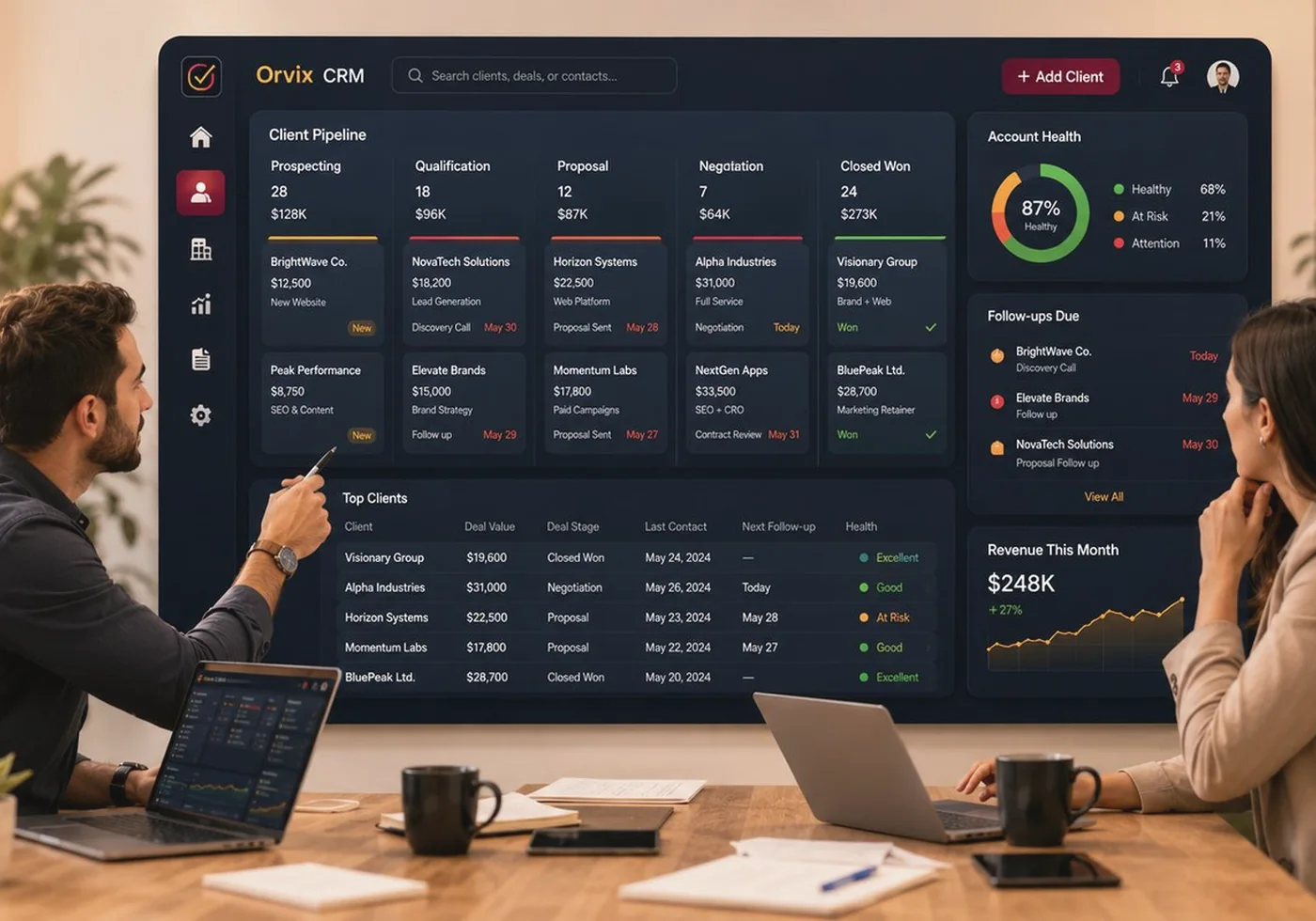
Client CRM
Create a reliable operational record for every account.
Connect the client profile, active package, ownership, commitments, communication context and delivery status so teams stop working from incomplete information.
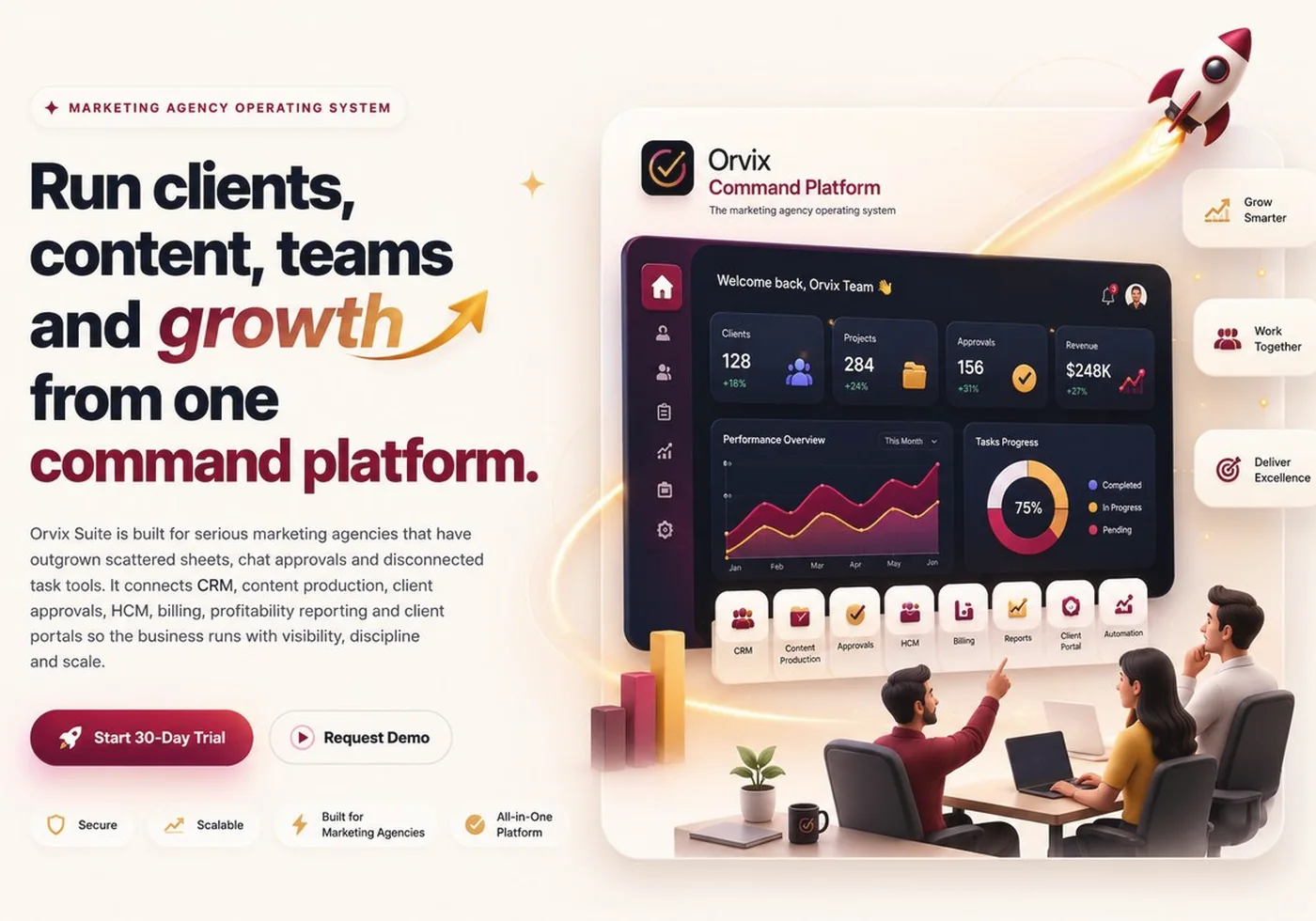
Orvix gives leadership, operations, account management, creative delivery, people and finance one shared environment—without forcing teams to lose the context behind the work.


Connect the client profile, active package, ownership, commitments, communication context and delivery status so teams stop working from incomplete information.

Plan briefs, tasks, calendars, owners, stages and delivery dates in one production environment that keeps creative work visible from request to completion.

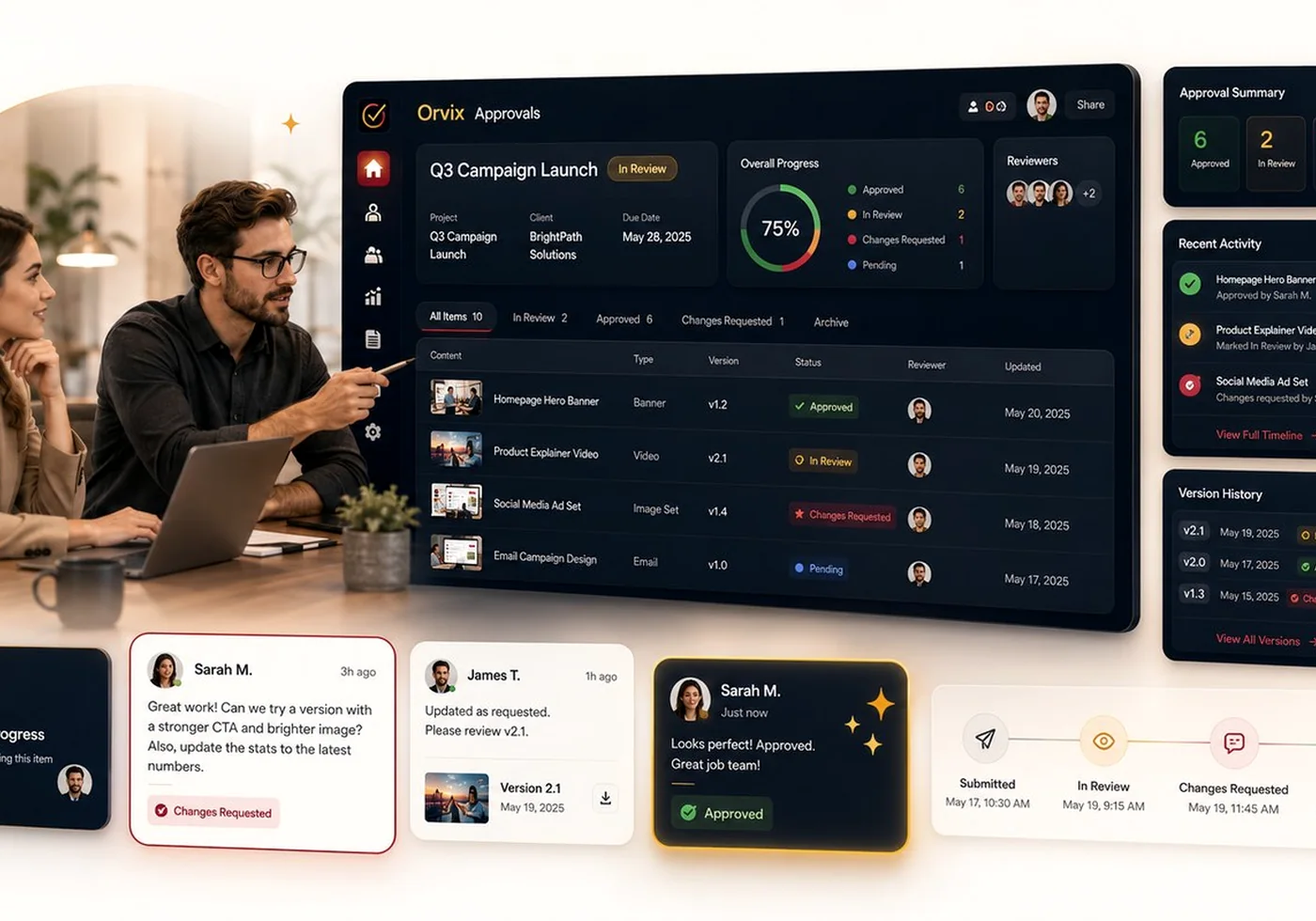
Keep comments, revisions, internal reviews, client feedback and final approval evidence connected to the work rather than scattered across chat threads.

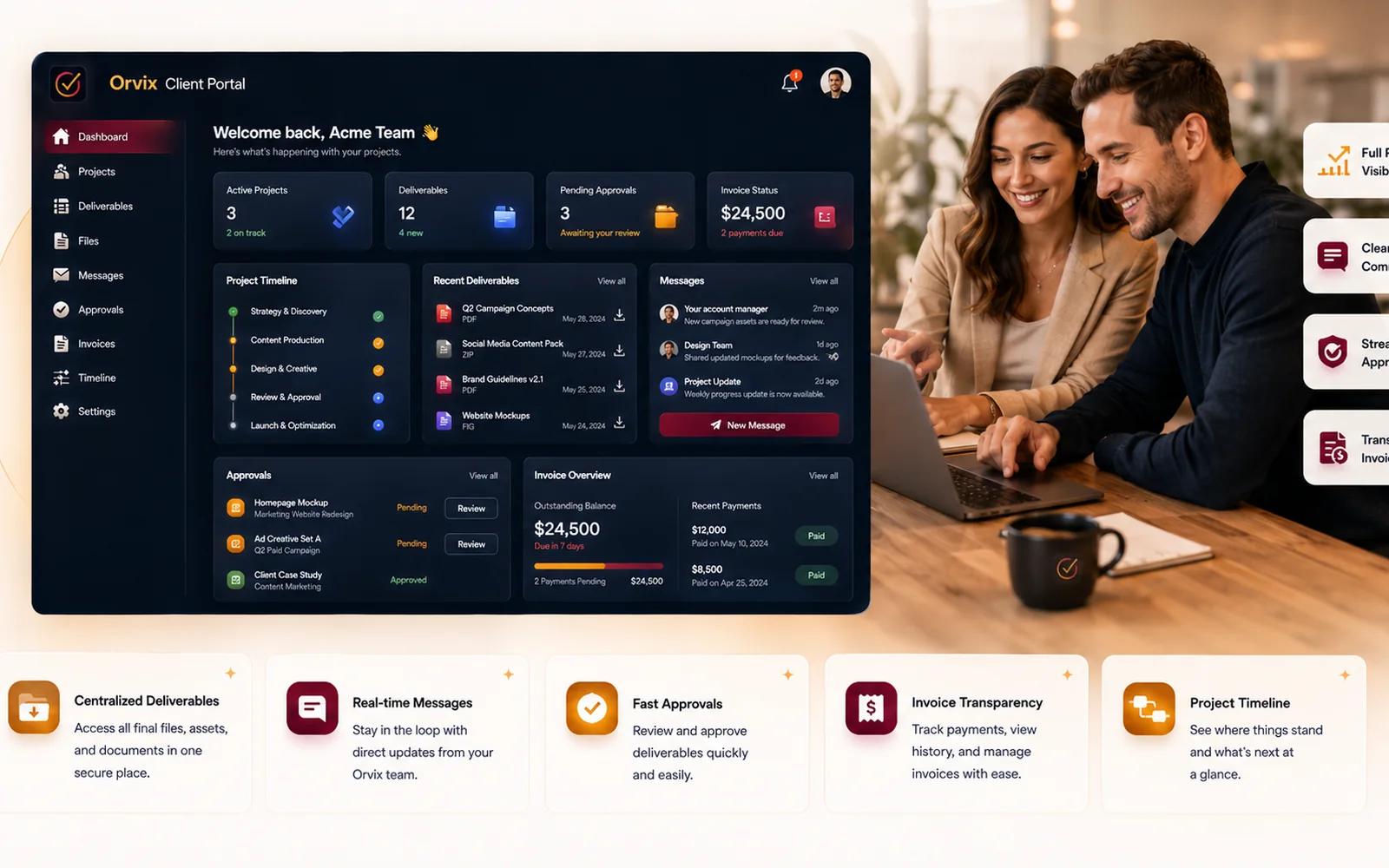
Present work, decisions, approvals and delivery evidence through a customer-facing experience designed to reduce confusion and improve confidence.

Manage roles, departments, attendance, capacity and performance context so leaders can understand whether delivery expectations match available resources.

Connect the commercial relationship to the customer workspace with clear plan status, billing cycle, trial terms, renewal timing and subscription controls.

Review client health, delivery performance, capacity and commercial indicators from a leadership perspective instead of compiling updates manually.

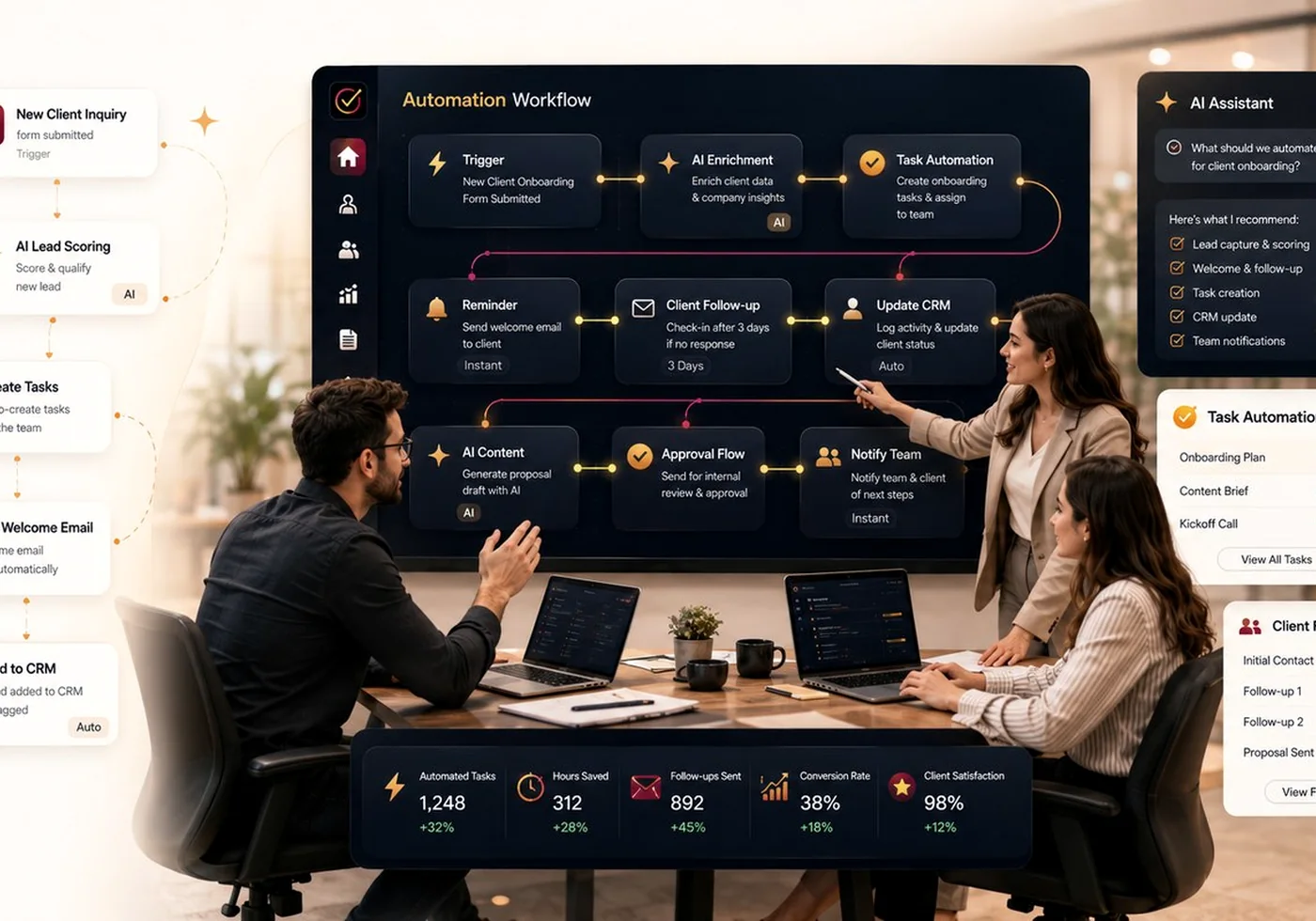
Create guided actions, reminders and operational triggers that reduce dependence on memory while keeping people responsible for the decisions that matter.
Clients, services, users, tasks and approvals remain connected instead of being recreated in separate tools.
Workspace owners control who can see, change and approve operational information.
Operational activity becomes visible through dashboards and structured records rather than manual status collection.
The implementation journey aligns agency details, clients, packages, team access, content flow, approvals and reporting priorities before practical launch.
Review Starter, Growth, Scale and Enterprise, then choose the trial or guided demo route that matches your team and client capacity.
Choose a guided demo for a tailored conversation, or start the approved Starter or Growth trial when your team is ready.